How to make a fractal wallpaper for your phone
Render a Julia set or a Newton fractal in portrait at your screen’s pixel size. Put the detail a little below center so the clock has a quiet place to sit.
Render your own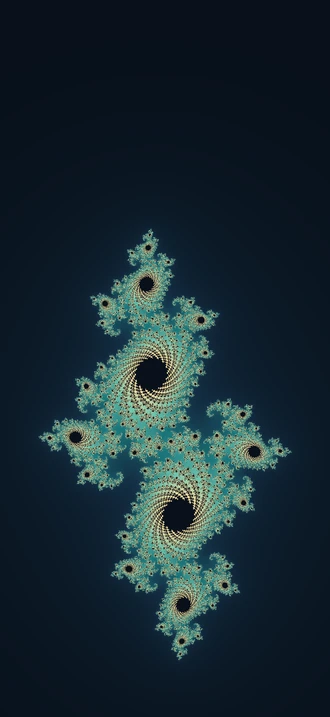

Two patterns to start with
- Julia set
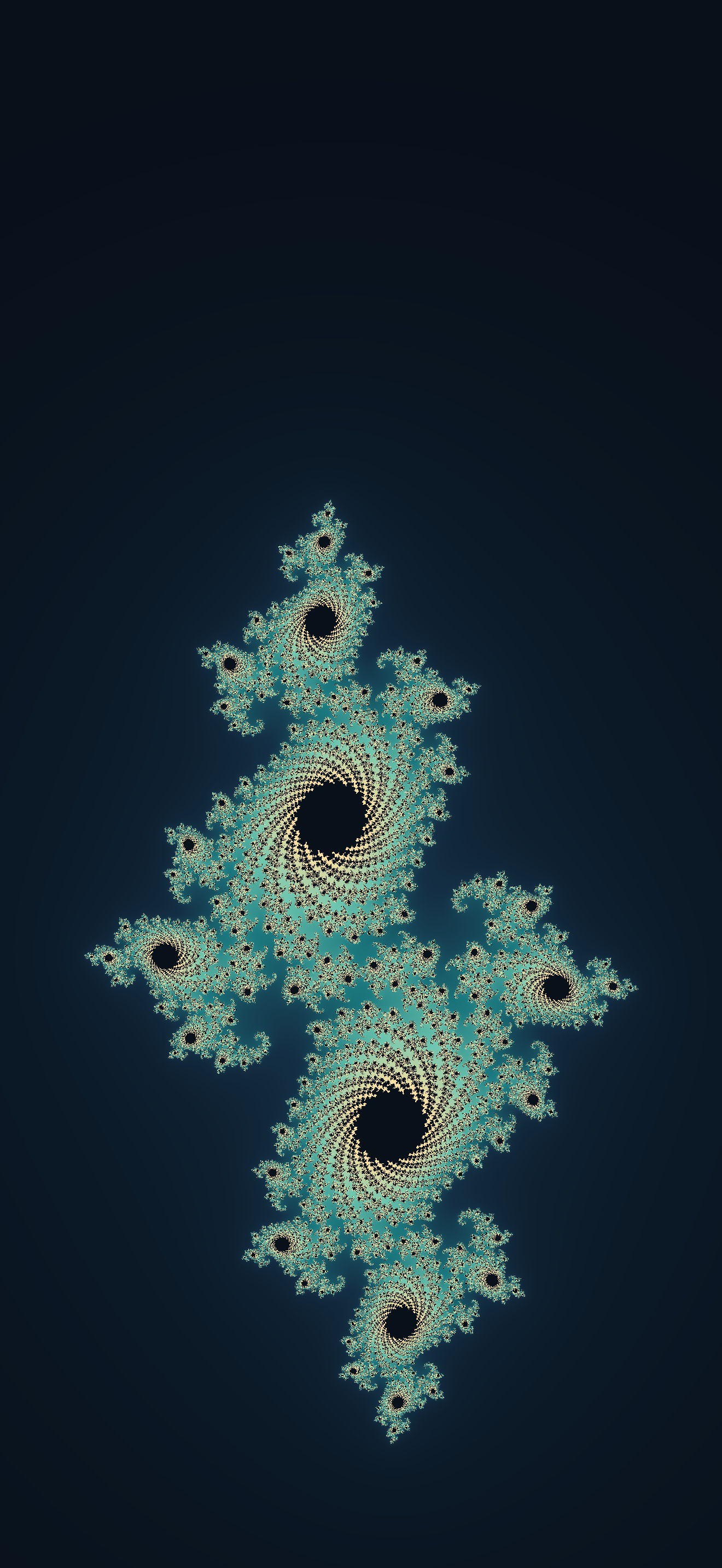
- Treat each pixel as a complex number z. Square it, add a fixed number c, and repeat. Color the pixels by how long their values take to escape. The edge of the region that stays bounded is the Julia set. Try changing
cby a hundredth and compare the spirals. - Newton fractal
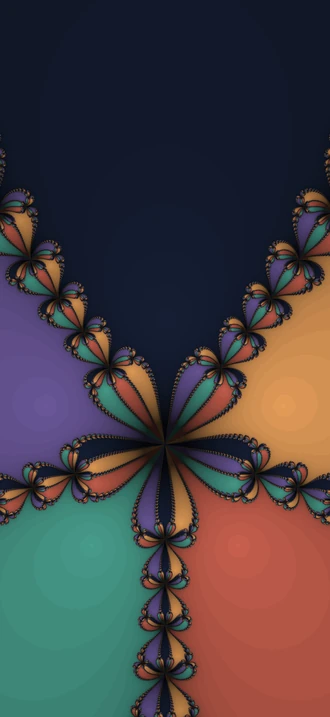
- Run Newton’s root-finding method from each pixel. Give each root a color, then darken the pixels that take longer to settle. In the example, five roots give five colors; the detail appears where their regions meet.
Render your own
Download the Python script used to make both examples. It runs with NumPy and Pillow.
python3 -m pip install numpy Pillow
python3 render-fractal.py julia --width 1320 --height 2868
python3 render-fractal.py newton --width 1320 --height 2868
Replace the example dimensions with your phone’s pixel size, width first. For iPhone, find your model under Apple Tech Specs. The script writes a full-size PNG. In the script, lower span to zoom in or change focus to move the pattern up or down.
For a no-code option, explore a fractal in XaoS, then export or crop to portrait. Start with a large image so you have room to crop.
Frame it for the Lock Screen
Keep the area behind the clock simple. In the Julia example, the pattern sits 62% down the image. In the Newton example, the darkest region points up. Move the framing on your phone until the clock and artwork both have room.
- Save the PNG to Photos.
- Open Settings → Wallpaper → Add New Wallpaper → Photos and choose the image.
- Adjust the crop, tap Add, then choose whether to use it on both screens.
Make a Julia wallpaper in Mirabilis
Choose the Fractal family, edit the colors and shape, and use Preview wallpaper to see the design behind your clock. Copy recipe shares the settings that recreate it.
Explore Mirabilis for iPhoneComing soon